Smart Home for Beginners: What to Buy First (and What to Skip)
A beginner's order of operations for a first smart home, which devices give the most value for the least hassle, and the common first purchases you can safely skip.
Disclosure: Product links on this site aren't affiliate links: we don't earn anything from them today. If that changes, we may earn a commission at no extra cost to you, and this note will say so. Parts of this article were drafted with AI assistance and edited before publishing. Read our disclaimer.
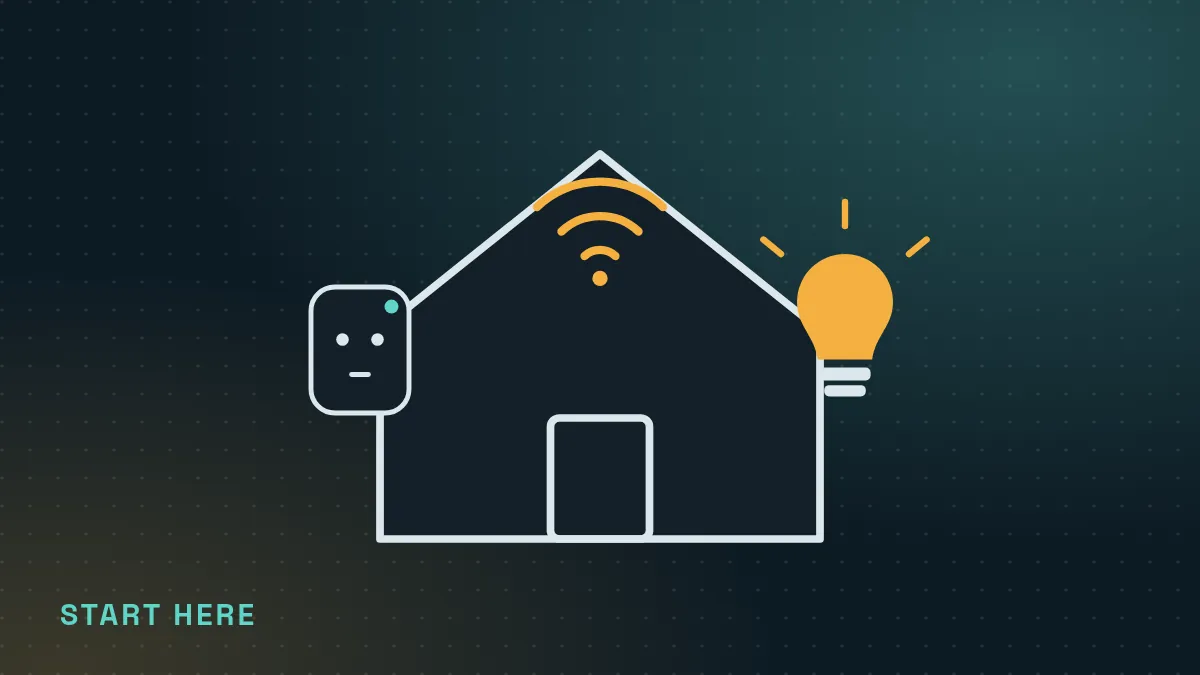
Start with one or two smart plugs or smart bulbs, set up a single routine you'll use every day, and only then decide on a bigger platform. Cheap, plug-in devices teach you how smart homes work without drilling, wiring or locking yourself into one brand.
Most people who give up on smart homes do it because they bought too much, too fast: a hub, six gadgets from four brands and three apps that don't talk to each other. This guide gives you a calm order of operations instead. It's research-based, drawn from manufacturer setup guides and the published specs of the wireless standards; we don't rank products as "tested."
Step 1: Decide what problem you're solving
A smart home is only useful if it removes a small, repeated annoyance. Before buying anything, write down two or three of these. Typical beginner wins:
- Lights that turn on before you get home, so you never walk into a dark apartment.
- A lamp or fan that switches off on a schedule, so you stop leaving it on all day.
- A reminder-free way to check whether you left something on.
- Hands-free control when your hands are full or you're already in bed.
If nothing on your list bothers you daily, you can skip smart home entirely and lose nothing.
Step 2: Check your Wi-Fi first
Most beginner devices connect directly to your Wi-Fi, and many only work on the 2.4 GHz band, which reaches farther through walls than 5 GHz. Before buying, make sure:
- You know your network name and password, and you can log in to your router or its app.
- The spots where you'll put devices get a solid signal on your phone.
- Your router isn't already overloaded. Older or internet-provider routers can struggle once you add many connected devices.
If you rent and can't touch the building's network, use your own router in your unit. Shared building Wi-Fi with a sign-in page usually won't work for smart devices.
Step 3: Buy your first two devices
For almost everyone, the best first purchase is a smart plug. It turns any ordinary lamp, fan or small appliance into something you can schedule or switch from your phone. It needs no wiring, it moves with you, and you'll learn the app, schedules and routines in an afternoon. Read smart plugs explained for 12 practical uses.
The second-best first purchase is a smart bulb in a lamp you use every evening. Bulbs add dimming and, on many models, color temperature (warm to cool white), which is great for a wind-down routine.
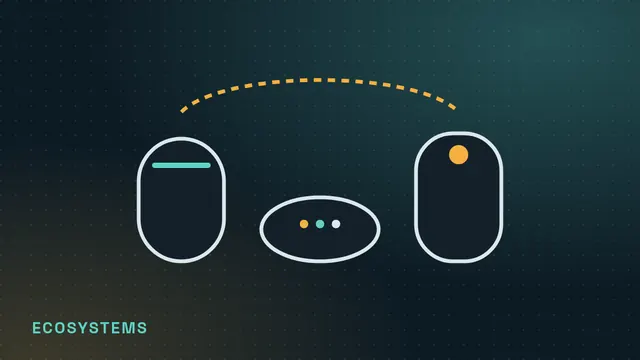
## Step 4: Pick one app to live inEvery device comes with its own app, but you'll be happier controlling everything from one place. The big three are Amazon Alexa, Google Home and Apple Home. If you already own a smart speaker or an iPhone, that's usually the deciding factor. We compare them in Alexa vs Google Home vs Apple Home.
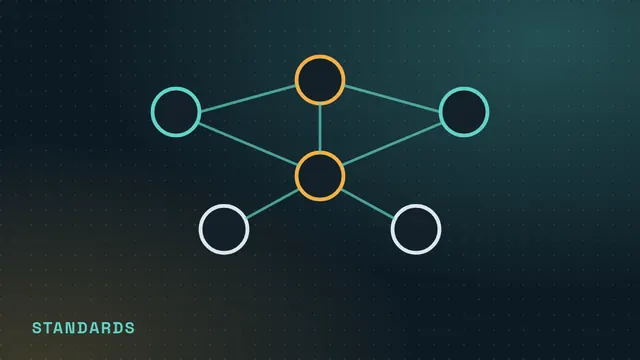
Look for the Matter logo on new devices. Matter is an industry standard, backed by the Connectivity Standards Alliance, that lets one device work with several of these apps. It reduces the risk that a purchase becomes useless if you switch phones or platforms. Our standards guide explains how it relates to Wi-Fi and Thread.
Step 5: Build one routine before buying more
Set up a single automation and live with it for a week. A good first one is "turn on the living-room lamp at sunset, off at 11 PM." If you find yourself relying on it, you've learned what you like and can expand. Our starter routines list ten more ideas.
What to buy later (if at all)
| Device | Good second-stage buy if… | Watch out for |
|---|---|---|
| Motion or contact sensors | You want lights to react to you without a schedule | Usually battery-powered; some need a hub |
| Video doorbell | You get frequent deliveries or visitors | Lease rules, privacy, subscription fees for recordings |
| Retrofit smart lock | You want keyless entry and keep your existing keys | Lease permission; check your deadbolt fits |
| Smart thermostat | You control your own heating and cooling | Wiring compatibility; some systems aren't supported |
| Smart speaker or display | You want voice control and a Thread or Matter controller | Microphones in the home; choose placement carefully |
What beginners can skip
- A dedicated hub on day one. Many modern devices work over Wi-Fi or with a speaker you may already own. Add a hub only when a device you actually want needs one.
- Whole-home bundles. Starter kits often include devices you won't use. Buy one at a time.
- Smart gadgets that solve nothing on your list. Connected kettles and fridges can be fun, but they rarely beat a plug and a schedule.
- Unknown brands without a security-update promise. A device that stops getting updates can become a privacy risk. See our privacy checklist.
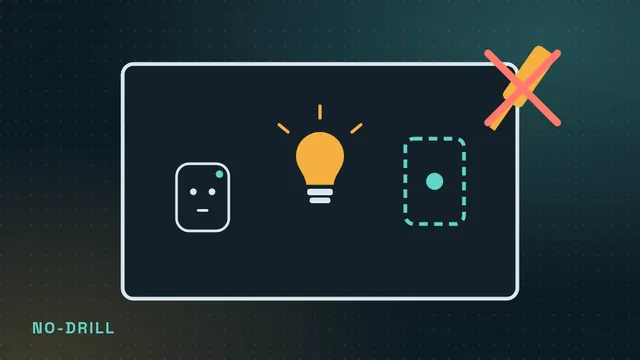
Everything in steps 1 to 5 is plug-in and reversible. For more ideas that leave no holes, see renter-friendly, no-drill upgrades.
Frequently asked questions
Do I need a hub to start a smart home?
Usually not. Most beginner smart plugs and bulbs connect directly to Wi-Fi or work through a smart speaker or phone you already have. Some Zigbee or Z-Wave devices do require a hub, so check the box before buying.
What is the cheapest way to try a smart home?
A single smart plug on a lamp you use every day. It costs little, needs no wiring and teaches you schedules and routines.
Will smart devices work if my internet goes down?
It depends on the device. Some keep local schedules or work over your home network without the internet; others need the manufacturer's cloud. Physical switches and buttons on the device still work in almost all cases.