Smart Plugs Explained: 12 Useful Things to Automate
How smart plugs work, what they can and can't safely control, and 12 practical automations for lamps, fans, chargers, coffee makers and standby power.
Disclosure: Product links on this site aren't affiliate links: we don't earn anything from them today. If that changes, we may earn a commission at no extra cost to you, and this note will say so. Parts of this article were drafted with AI assistance and edited before publishing. Read our disclaimer.
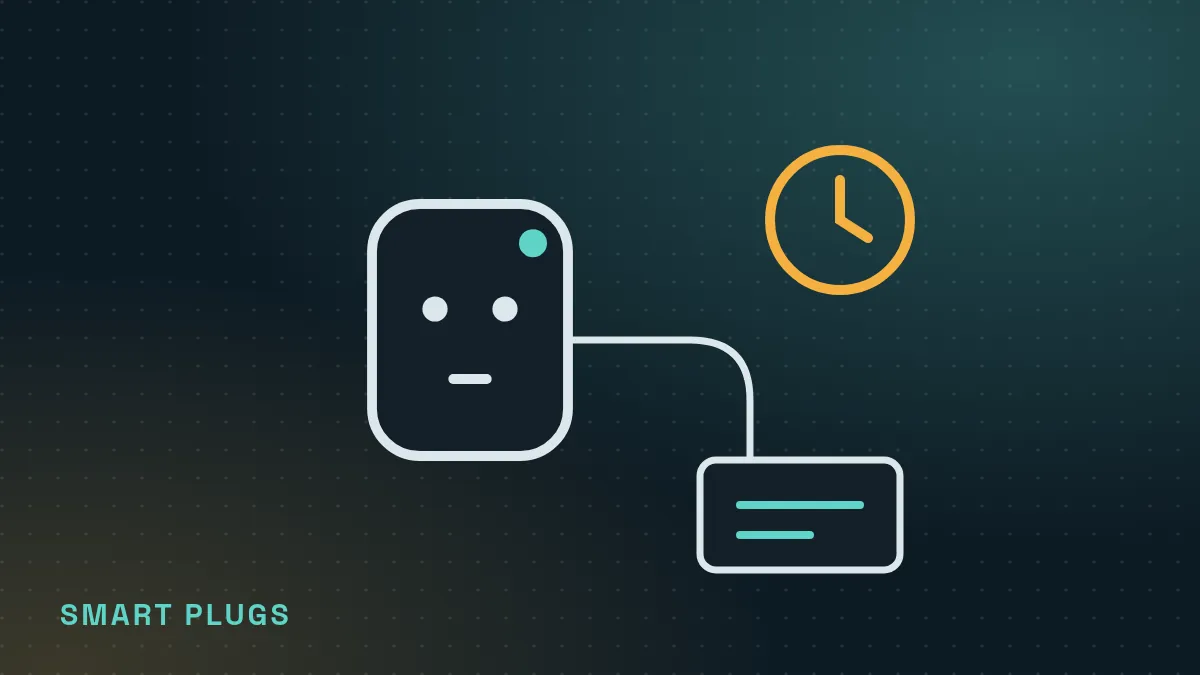
A smart plug is an outlet adapter with a switch inside that you control from an app, a schedule or a voice assistant. It's the easiest smart-home device to start with, but it can only turn power on and off, so it works best with devices that resume when power returns.
This guide explains what a smart plug can and can't do, how to use one safely, and twelve automations that are genuinely useful. It's research-based, using manufacturer manuals and U.S. Department of Energy guidance; we haven't run hands-on tests of specific models.
How a smart plug works
You plug the smart plug into the wall, then plug a device into the smart plug. Inside is a relay (an electrically operated switch) and a small radio, usually Wi-Fi, sometimes Thread, Zigbee or Bluetooth. When you tap the app or a schedule fires, the relay connects or cuts power to the outlet.
That means the device you plug in needs a physical on switch that stays on. A lamp with a rocker switch works perfectly: leave the lamp switched on, and the plug decides when it gets power. A device with a soft-touch button that defaults to "off" after a power cut, like many modern fans, TVs or coffee makers, won't turn itself back on when the plug does.
Safety first: what not to plug in
- Check the rating. Every smart plug lists a maximum current (amps) or load (watts). Never plug in something that draws more.
- Space heaters and other heating appliances: many heater and plug manufacturers say not to combine them, because heaters draw a lot of current for long periods and an unattended heater turning on remotely is a fire risk. Follow both manuals.
- Medical equipment, refrigerators, freezers and aquarium filters should not be on a schedule that might accidentally cut them off.
- Power strips: don't daisy-chain a heavily loaded power strip through a smart plug.
- Look for a safety certification mark from a nationally recognized testing laboratory, such as UL, ETL or CSA, on the plug itself.
12 useful things to automate
- Living-room lamp at sunset. The classic: lights on before you get home, off at bedtime.
- Bedside lamp wake-up. On at your alarm time in winter, so you don't wake up in the dark.
- "Away" lighting. Turn a lamp on and off in the evening while you're traveling so the place looks lived in. Many apps include a randomized "vacation mode."
- Coffee maker with a manual switch. Only if it has a mechanical on switch and an auto shut-off; schedule it a few minutes before you get up.
- Fan or window-unit "cool-down." A box fan with a mechanical switch can run for an hour before you get home. Check that the air conditioner's manual allows external power switching before you try it with an AC.
- Holiday lights. Put string lights on a sunset-to-midnight schedule and forget about them.
- TV and game console standby. Cut power overnight to stop standby draw. Avoid this during scheduled updates, and note that some consoles need power to download updates.
- Desk setup. Monitor, speakers and chargers off at night with one tap.
- Phone or e-bike charger timer. Limit charging to a few hours overnight. Follow the battery maker's charging guidance.
- Grow light or aquarium light. A consistent daily light schedule for plants or fish (lights only, not filters or heaters).
- Electric blanket pre-warm. Only if the blanket's manual allows it and it has an auto shut-off.
- "All off" button. Group your plugs so a single command at bedtime or when leaving turns everything off.
It depends entirely on what's plugged in and how long it would otherwise stay on. The U.S. Department of Energy notes that standby or "phantom" power can account for roughly 5 to 10 percent of home electricity use. A smart plug helps when it cuts power to devices that draw power while "off," or that you tend to leave running.
Keep expectations realistic: a 10-watt LED lamp switched off three hours earlier each day saves only about 11 kWh a year, roughly $2 at $0.17 per kWh. A setup that draws 10 watts in standby all night is worth more. The smart plug also uses a little power itself, typically under a watt or two. Try your own numbers in our Smart Plug Savings Calculator.
Setting one up
- Install your ecosystem app (or the plug maker's app) and make sure your phone is on the same Wi-Fi network you'll use for the plug.
- Plug in the smart plug, then follow the app's pairing steps. Matter plugs usually pair by scanning the QR code on the plug or box; keep a photo of it.
- Give the plug a clear name, like "Living room lamp," so voice commands are easy.
- Add a schedule or routine. Start with one and adjust after a few days.
Frequently asked questions
Do smart plugs use electricity when off?
Yes, a small amount, because the radio stays on to listen for commands. It's usually under a watt or two, but check the specifications or measure it with an energy-monitoring plug.
Can a smart plug turn on a TV?
Usually not by itself. Most TVs go to standby when power returns and need a remote press. A smart plug can cut standby power to a TV, but turning it on typically needs the TV's own smart features or an infrared remote hub.
Are smart plugs safe with space heaters?
Generally no. Many heater and smart-plug manufacturers advise against it. Follow both manuals, and never schedule a heater to run unattended.