Wi-Fi vs Zigbee vs Thread vs Matter: Choosing a Standard in 2026
A plain-English explanation of the wireless standards behind smart-home devices, how Matter fits on top of Wi-Fi and Thread, and which to choose as a beginner or renter.
Disclosure: Product links on this site aren't affiliate links: we don't earn anything from them today. If that changes, we may earn a commission at no extra cost to you, and this note will say so. Parts of this article were drafted with AI assistance and edited before publishing. Read our disclaimer.
For most beginners in 2026, the simplest rule is: buy devices with the Matter logo, use Matter over Wi-Fi for plugs and plug-in gear, and Matter over Thread for battery sensors and buttons once you own a Thread border router. Zigbee is still solid if you already have a Zigbee hub.
Smart-home packaging is full of logos. This guide explains what each one actually means, based on the published material from the Connectivity Standards Alliance (CSA), which maintains Matter and Zigbee, and the Thread Group. We describe the standards, not specific products.
The key idea: radio vs language
It helps to separate two layers:
- The radio (network): how a device physically sends data. Wi-Fi, Thread, Zigbee, Z-Wave and Bluetooth are radios and networks.
- The language (application standard): how devices describe themselves and accept commands, such as "I'm a light; turn me on to 40%." Matter is a language. Zigbee and Z-Wave define their own languages too.
Matter runs on top of Wi-Fi, Thread and Ethernet, and uses Bluetooth Low Energy during setup. So a "Matter device" will always also be either a Wi-Fi or a Thread device.
At a glance
| Wi-Fi | Thread | Zigbee | Matter | |
|---|---|---|---|---|
| What it is | Your home network | Low-power mesh network | Low-power mesh network plus its own language | A common language for devices |
| Needs a hub? | No, uses your router | Needs a Thread border router | Needs a Zigbee hub or coordinator | Needs a Matter controller (phone app, speaker or hub) |
| Battery friendly? | Not very | Yes | Yes | Depends on the radio underneath |
| Best for | Plugs, cameras, bulbs | Sensors, buttons, locks | Existing Zigbee setups | Choosing devices that work with several apps |
Wi-Fi
Wi-Fi devices connect straight to your router, so there's nothing extra to buy. The downsides: Wi-Fi uses more power, so it suits plugged-in devices more than battery ones, and many smart devices only support the 2.4 GHz band. Dozens of Wi-Fi gadgets can also crowd a basic router. If devices keep dropping, see fixing devices that go offline.
Thread
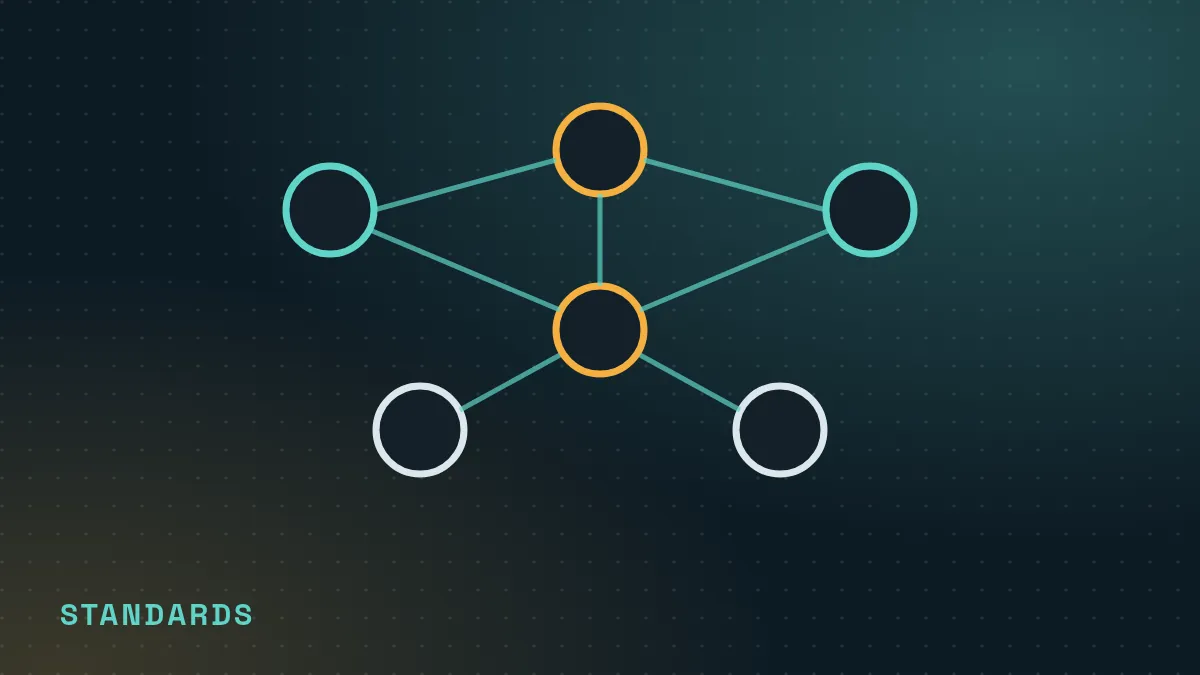
Thread is a low-power mesh network built on internet standards (IPv6). Mains-powered Thread devices can relay messages for each other, so coverage improves as you add devices. Thread needs a border router to connect the Thread mesh to your home network. Many recent smart speakers, smart displays, streaming boxes and hubs include one; check the specifications of what you already own.
Thread is a good fit for battery-powered sensors, buttons and locks, which can last much longer than Wi-Fi equivalents.
Zigbee (and Z-Wave)
Zigbee is a mature low-power mesh standard with a huge range of sensors and bulbs. It needs a Zigbee hub or coordinator. Zigbee devices don't talk to Thread devices directly, though some hubs bridge Zigbee devices into Matter.
Z-Wave is a similar mesh standard that, in North America, uses a sub-gigahertz frequency band, so it doesn't compete with 2.4 GHz Wi-Fi. It also needs a hub. Both remain good choices if you already have a compatible hub; beginners starting fresh usually find Matter simpler.
Matter
Matter, launched by the CSA in 2022 and backed by Amazon, Apple, Google, Samsung and many device makers, aims to make devices work across ecosystems. Two features matter most for beginners:
- One device, many apps. A Matter device can be added to Alexa, Google Home, Apple Home and others. "Multi-admin" lets more than one app control it at the same time.
- Local control. Matter commands travel over your home network, so basic control can keep working when your internet is down, as long as your controller is on the local network.
Matter's device support has grown over several versions, but not every device type or feature is covered yet, and individual apps may not expose everything a device can do. Check that the specific device type you want is supported by your app.
## What should a beginner choose?- Renting, starting small: Matter-over-Wi-Fi plugs and bulbs. No hub needed.
- Adding battery sensors and buttons: Matter-over-Thread, once you own a border router.
- Already have a Zigbee or Z-Wave hub that works: keep it, and add Matter devices as you replace things.
- Avoid: devices that only work with one brand's app and cloud, unless they solve a problem nothing else does.
Frequently asked questions
Is Matter the same as Thread?
No. Thread is a low-power wireless network; Matter is a common language that can run over Thread, Wi-Fi or Ethernet. Many Matter devices use Thread, which is why the two often appear together.
Do I need a hub for Matter?
You need a Matter controller, which can be your ecosystem's app plus a compatible speaker, display or hub. Matter-over-Thread devices also need a Thread border router.
Will my old Zigbee devices work with Matter?
Not directly. Some hubs act as a bridge that exposes Zigbee devices to Matter apps. Check your hub maker's support pages.